We all have been there. A mix is something complex (sometimes) and it requires multiple steps with lots of choices in between. The combination of choices are pretty much infinite, but whether you do a mix for yourself or for others, there is a limit of time.
If you read our articles or you follow us on Instagram, you know that we are strong supporters of limits. And that’s true also for mixing.
Today we are going to talk about how selecting our tools and plugins can be beneficial to the mix and the workflow, and how we can do it and incorporate this technique in our mixing routine.
Learn from the past.
This technique is pretty much inspired by the workflow of the past. Let’s do a throwback: how a mixing engineer approached a mix in a full analog studio in 1990? Even super high budget studios didn’t have every hardware processor on the planet. You had a maximum amount of “colors” and vibes from gear. Most likely you didn’t have access to 10 different EQ models and compressors. And still, a lot of great sounding mixing references are from the past, like the Rage Against the Machine self titled debut album, which is still a staple reference, or Dr.Dre’s “2001”.

This doesn’t mean that we have to narrow down our list of possibilities to just a few: we have to embrace technology and progress without any retromania, and access to a varied sonic texture and palette of colors!
Don’t start to unistall your plugins just for the sake of getting minimalist. We can take advantage of the old way still with lots of options: let’s just take these decisions before starting to work on the mix. And how do we decide which plugins to select before starting?
This leads us to the next points: intention and communication.
Communication and intention
The first step is to communicate with your client (or with yourself, in case you’re self-mixing) and understand what’s his aesthetic goal: he wants big drums and vintage vocals? Or a very modern, balanced and clean mix? Or perhaps he wants a very wet vocal with tons of reverb and delay?
If you make the right questions you will get the right answers and so you will select easily your plugins wisely, depending on your level of confidence. This is also true regarding your intentions. You could have a track full of real instruments and wanting the instrumental to sound very hip hop. Hip hop has smack in the drums, so a SSL compressor would be perfect, while a Fairchild (which is an amazing unit) might be best for another situation.
Once you imagine the track playing in your ears your brain will start to imagine chains at some point.
Choose your plugins
This part is pretty much based on your experience, however you can go through your plugins and start to tag them and order them in your mind. Below you can find an example of attributes based on famous plugins:
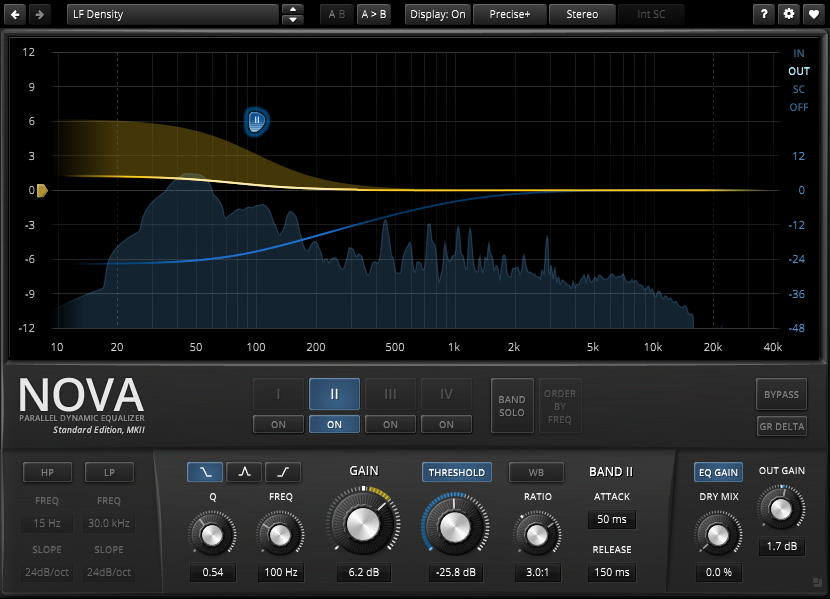
EQ
FabFilter Pro Q 3: linear and transparent
Pultec: coloured and big
Neve 1073: coloured and vintage
SSL EQ: colored and sharp
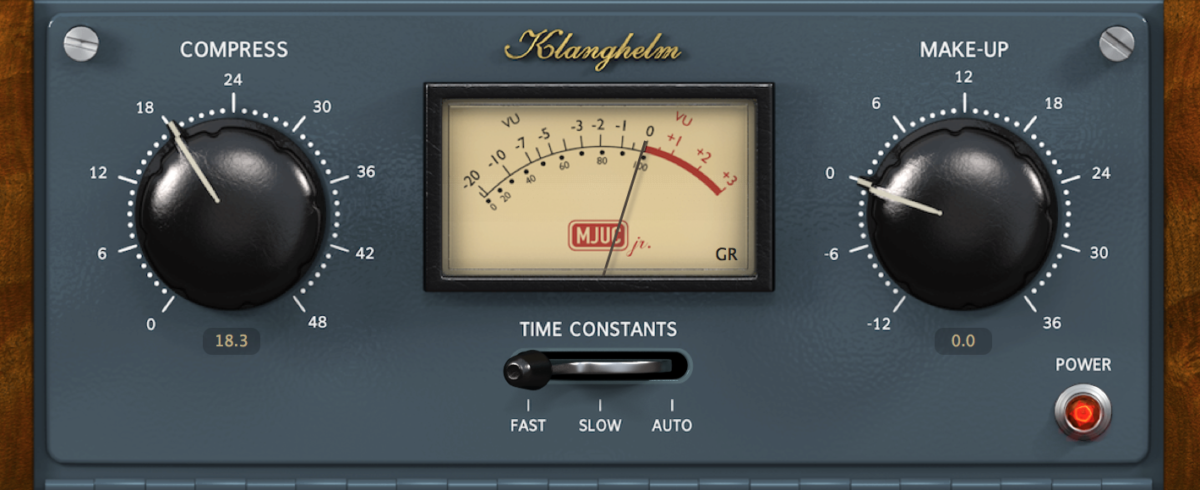
Compressors
FabFilter Pro C-2: precise and transparent
UREI 1176: aggressive and smacky
Distressor: aggressive and modern
LA-2A: silky and warm
API 2500: snappy and coloured
SSL:modern and punchy

Reverb
Valhalla Room: rich and precise
RC 24: Vibey with 80s feeling
Verbsuite Classic: realistic and rich
FabFilter Pro R: versatile and precise
UAD EMT 140: vintage and warm
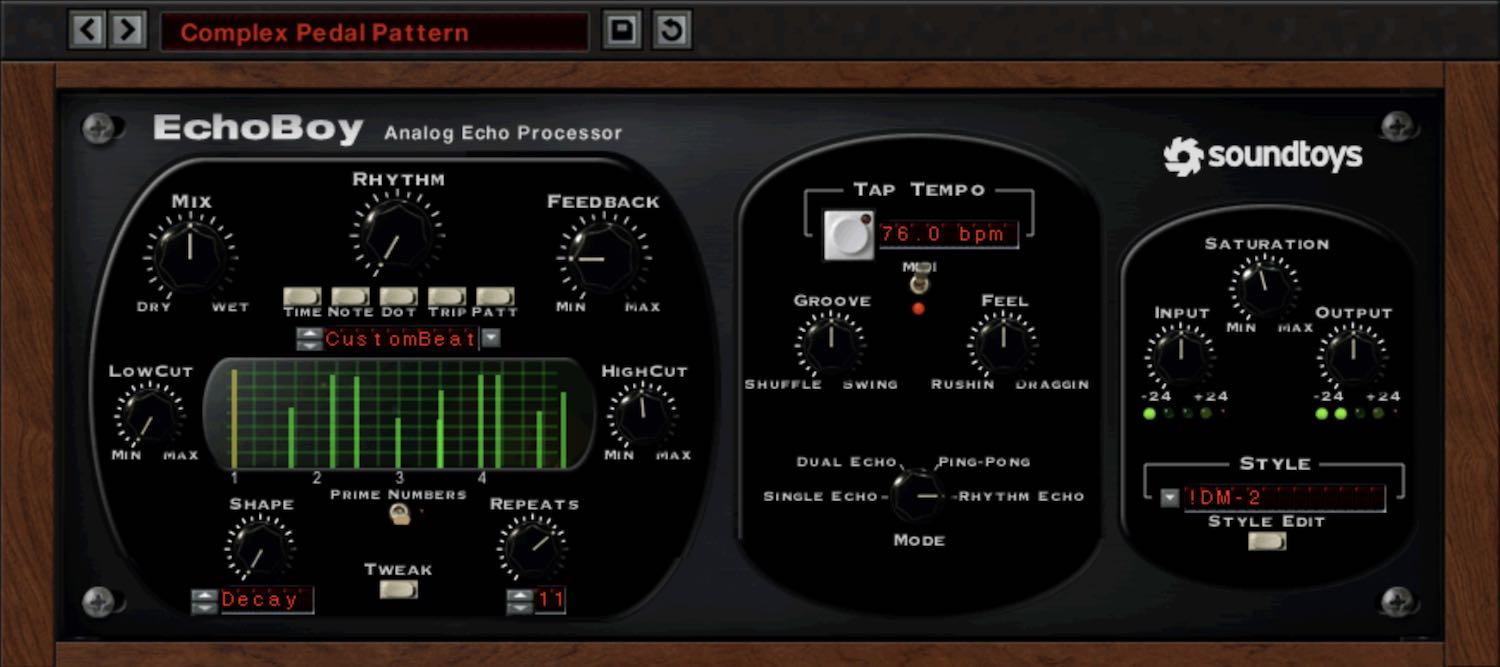
Delay
Soundtoys Echoboy: vintage and colorful
H-Delay: modern and rich
UAD Galaxy Tape Echo: vintage and dark
Soundtoys Crystallizer: creative and lush
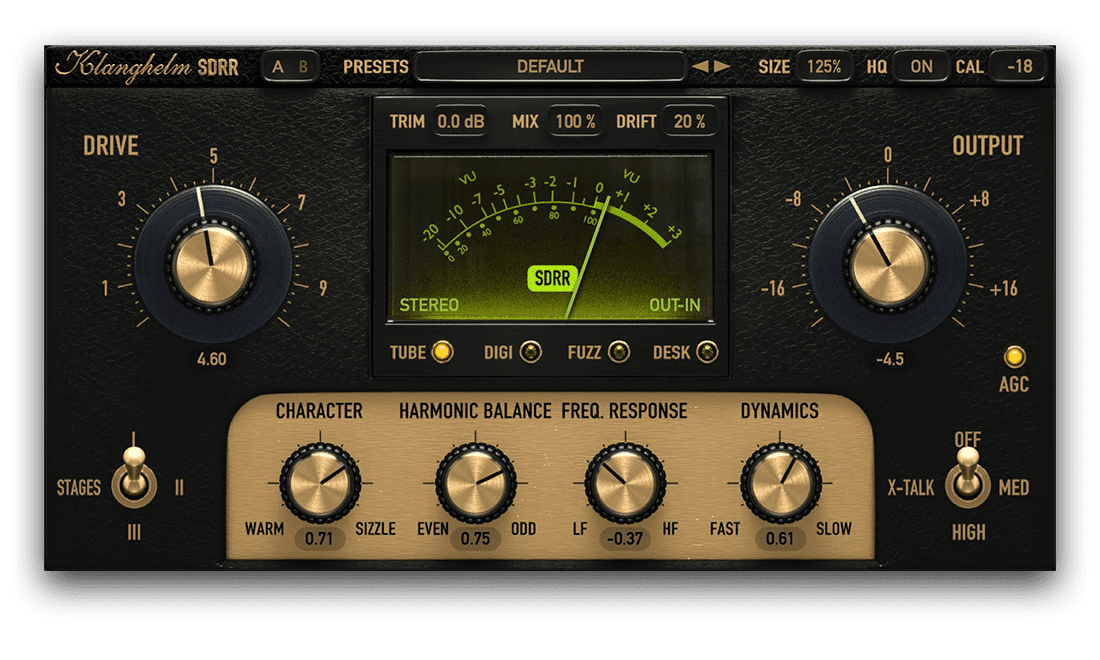
Distortion
Izotope Trash 2: creative and aggressive
Saturn 2: creative and precise
Soundtoys Decapitator: versatile and aggressive
kHs Faturator: heavy and crisp
UAD Ampex ATR-102: vintage and coloured
Remember that these tags don’t represent at 100% what these plugins do. They’re just mental reminders to work quickly. This process can take a lot of time, but in the end we can assure you that it is VERY rewarding.
If you want to get to know your plugins faster (and maybe scrap the ones you don’t like) a good practice is to do every now and then some test sessions. Open a project that you know very well and try to do some A/B/C/D tests. Run different plugins through the same material and notice the subtle differences. Learn to hear the personality of the plugin, and try to trust your ears.
Different genres require different plugins
Another great variable to take in account is the genre you are working on. Some genres require a lot of sharp processing (like most EDM and some of the latest Trap) while others don’t. As we said, there’s no rule, but generally knowing the tags we mentioned above will help you select the best brushes to paint your picture. If we are going to work on a sharp and very techy drum and bass tune I’m not going to use a 1176 as a synth compressor, instead I will go for a Pro C-2, because the sound design will already be on point and I need precision not color. The same goes for processing a mix of a song with only acoustic guitar plus voice. I will not color the mix with Trash2 or Decapitator, instead I will go for a plugin with a smooth color like the Klanghelm SDRR or the Oxford Inflator.
Conclusions
Do whatever makes the result and try this method for narrowing down the choices, save time, limit yourself (in a good way) but be also ready to break down the barriers if needed.